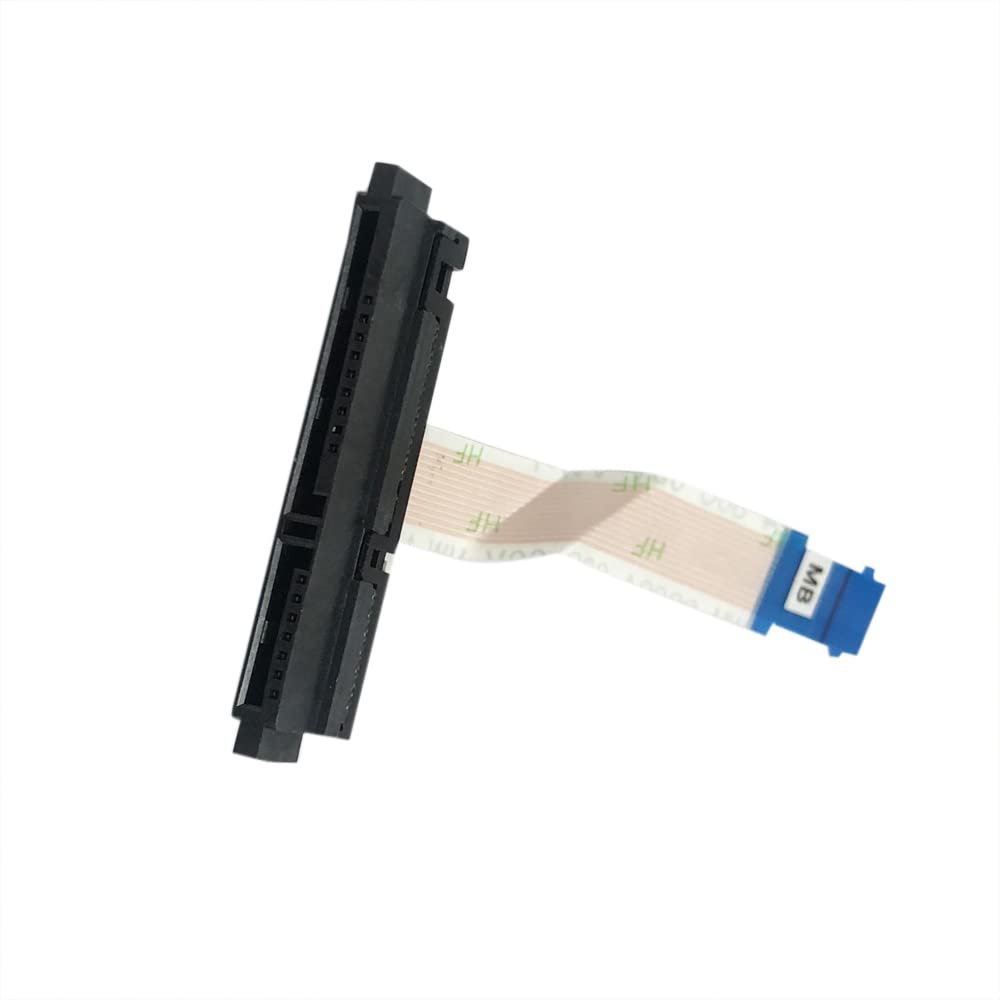
Dell Inspiron 15 3573 3567 3565 3558 3559 14 3462 3465 3467 3468 3473 3476 HDD Hard Drive Connector Cable price in Kenya
The Dell Inspiron 15 3573 3567 3565 3558 3559 14 3462 3465 3467 3468 3473 3476 HDD Hard Drive Connector Cable price in Kenya is Ksh. 1500
SATA HDD Hard Disk Drive Connector Adapter Cable for Dell Inspiron 15 3573 3567 3565 3558 3559 /Inspiron 14 3462 3465 3467 3468 3473 3476 P63F 51C9V 051C9V 450.0ac03.0001 450.0ac03.1001
Dell Inspiron 11 3147 I3147-3750SLV HDD hard drive connector cable is a replacement internal SATA cable designed to restore proper storage connectivity in compatible Dell Inspiron 11 3147 models, including the I3147-3750SLV variant. It replaces damaged, broken, burnt, or faulty original HDD connector cables that cause hard drive detection failures, boot errors, or unstable system performance.
This HDD connector cable provides a direct connection between the motherboard and the SATA hard drive or solid state drive (SSD), ensuring stable data transfer and reliable storage operation. It is manufactured according to original equipment specifications to guarantee accurate fit, secure installation, and seamless integration inside the laptop chassis.
If your Dell Inspiron 11 3147 I3147-3750SLV laptop is experiencing issues such as hard drive not detected, operating system not loading, intermittent storage errors, or physical damage to the storage cable, replacing the HDD connector cable can resolve the problem. This part is fully compatible with models that use the same internal storage cable design and configuration.
This replacement component is ideal for laptop repair technicians, IT service centers, and users performing hardware repairs. Installation requires opening the laptop and carefully reconnecting the cable to the motherboard and storage drive.
Always verify compatibility by confirming your laptop model and checking the original cable part number before purchasing to ensure proper fit and reliable performance.